
Cadna R
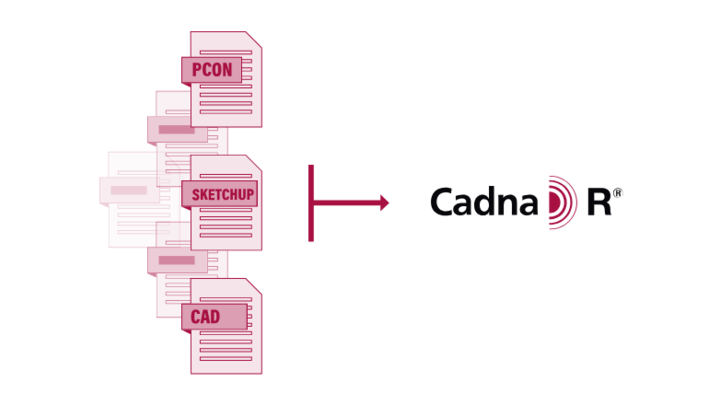
CadnaR handling and modelling
CadnaR allows the user to easily build models thanks to its sophisticated input possibilities. The approach of having one interface for the whole program, without any modular separation, will allow CadnaR beginners to get started quickly, while more complex projects are handled efficiently by applying modern project organization techniques and assessment tools.
CadnaR Connectivity
Easy modeling with CadnaR
CadnaR is the easiest software available on the market to model with. Quite often it is indeed easier to start modeling a room from scratch rather than importing data from a third-party software. Thanks to its straightforward handling concept modeling tasks are effortless.
Project Organization
CadnaR has the same sophisticated concept for organizing projects as CadnaA. All objects can be assigned hierarchically to a structure of folders called ObjectTree*. The folders can be then organized into groups and finally, groups are assigned to different variants or planning scenarios. Based on this organizational scheme.
Material properties
CadnaR comes with a broad set of absorption data for different materials. Included are the vendor-neutral absorption coefficients as well as a product database of selected manufacturers. The product database includes the data from the originating measurements in the reverberation chamber which then can be applied directly
Modelling of special geometries
Many real geometries can be approximated sufficiently in the acoustic simulation by using or combining box-type obstacles and screens. However, in some cases it is essential that more complex geometries are also represented in the acoustic model. In CadnaR the polymesh object can be used to create complex surfaces. This allows for example to model any oblique surfaces, arcs, semispherical areas of the ceiling or zigzag shaped parts of the roof.